Run your whole school from one simple system.
Fees, registers, report cards, canteen and bus money, payroll and texts to parents. PupilBook is made for basic schools in Ghana, from Creche to JHS 3, and works on the phones your staff already carry.
GH₵3 per pupil per term. Every feature, for every school.
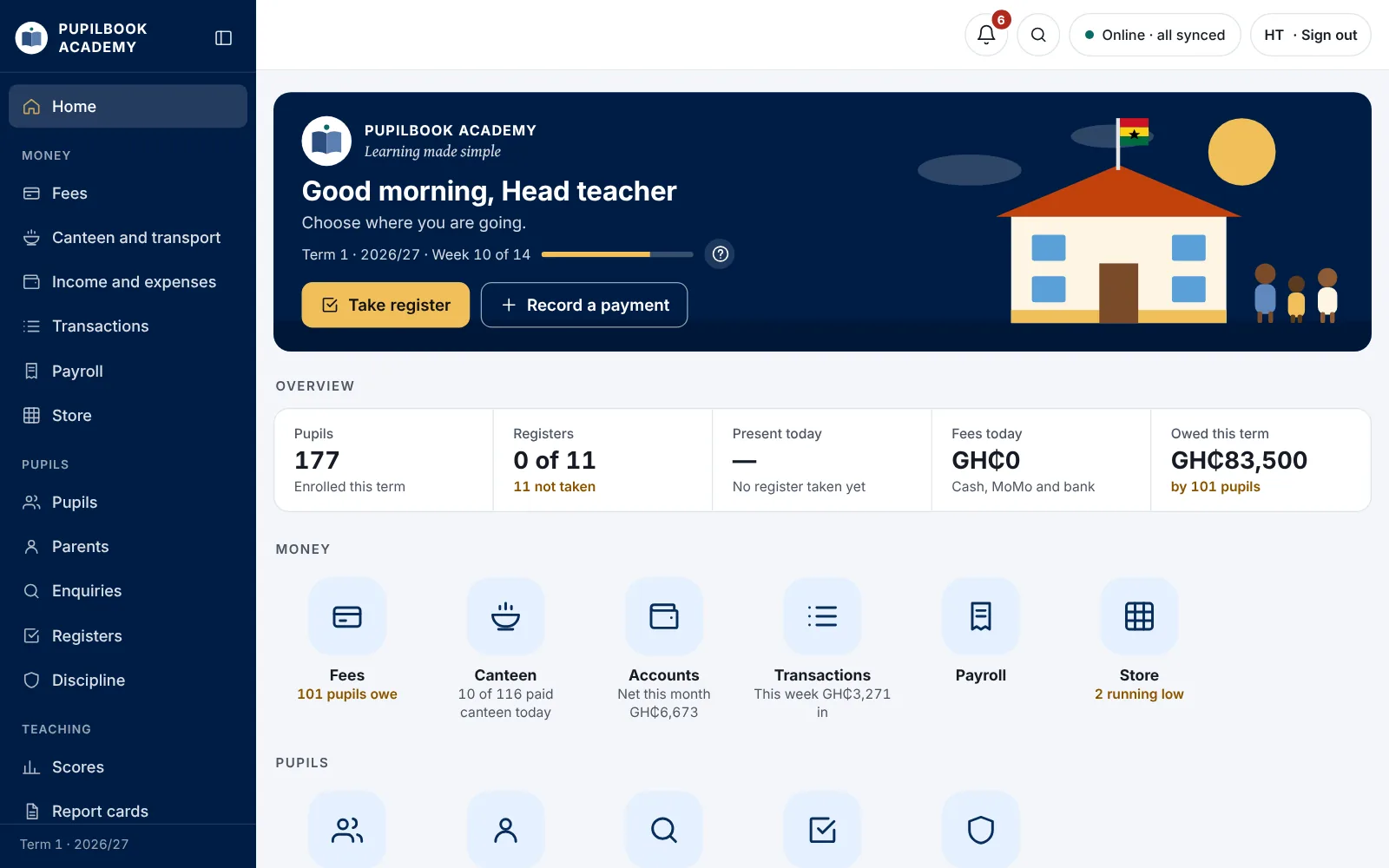
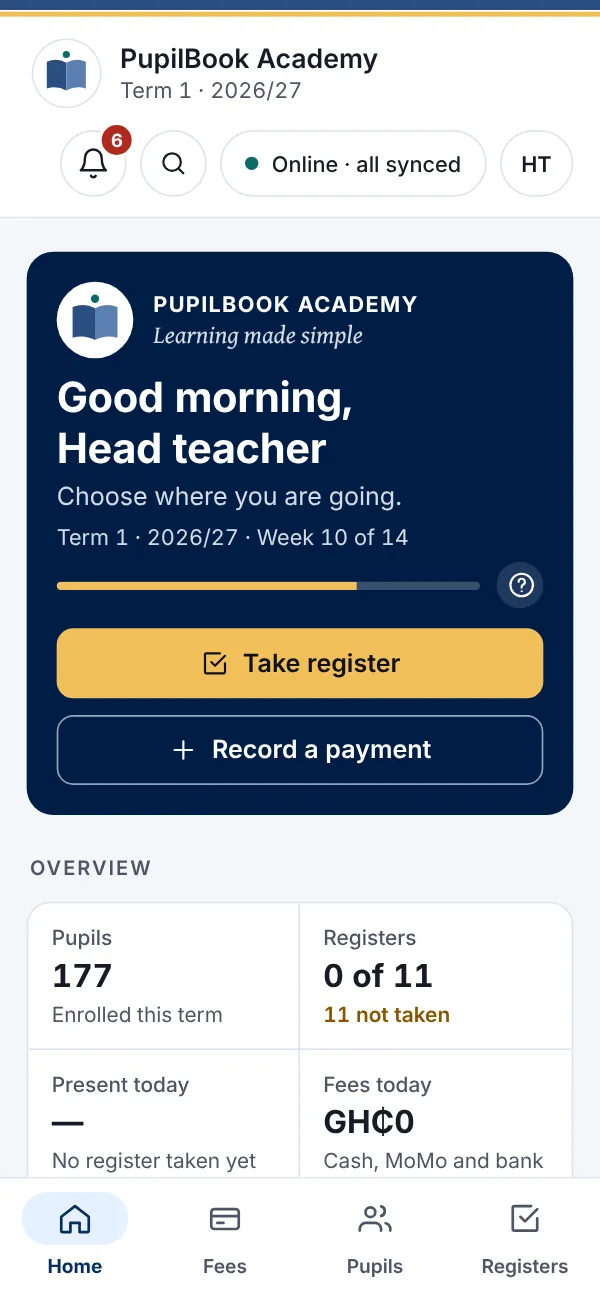
The whole school day, as it happens
Every register, payment and score lands in one place the moment it's saved. The head teacher sees it all without walking to the office.
A day at PupilBook Academy, our sample school
- Canteen money for Basic 2GH₵126 from 21 pupils, collected by Mr Kofi Boateng.
- Fees paid for Kwame AsanteGH₵450 by MoMo. The receipt went to his mother on WhatsApp.
- Basic 4A register closed28 present, 2 absent. Both parents have been texted.
- Staff register14 of 16 staff signed in. Mr Yaw Darko is on leave.
A school day, handled
From the morning register to the last fee payment, every job in the school office happens in one place, and the head teacher can see it all.
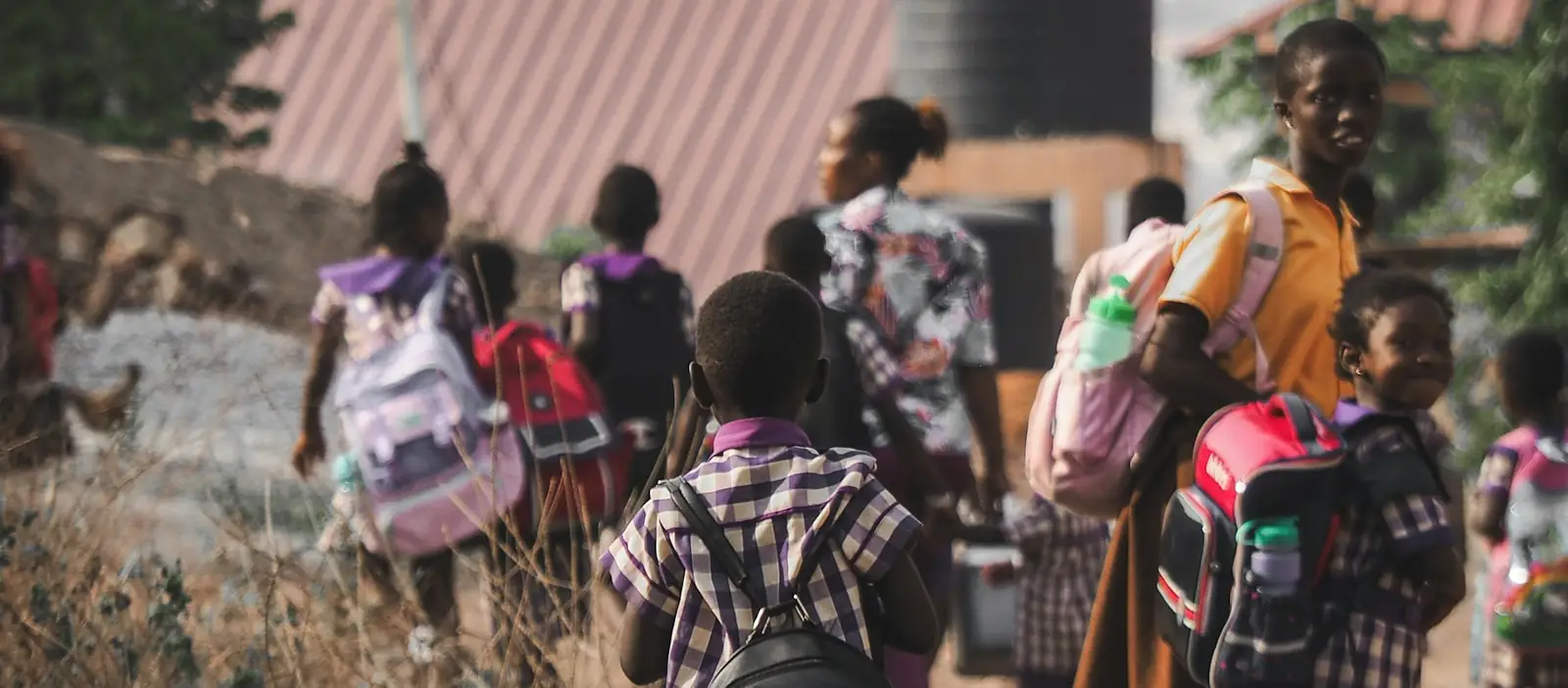
Gates open
Teachers sign in on their phones. No computer lab, no queue for the office laptop.
Registers close
Each class register takes a minute. Parents of absent pupils get a text straight away.
Break
Canteen and bus money is ticked off by class or route, with who collected it.
A parent pays fees
The bursar records cash or MoMo in seconds. The receipt prints or goes by WhatsApp.
Lunch
The head teacher checks what needs attention: registers not taken, results to approve, stock running low.
Closing
Every cedi in and out is in one list, ready for the proprietor.
Everything the school office does
One system instead of exercise books, Excel sheets and a separate app for every job. Staff are added once and picked everywhere else.
Money
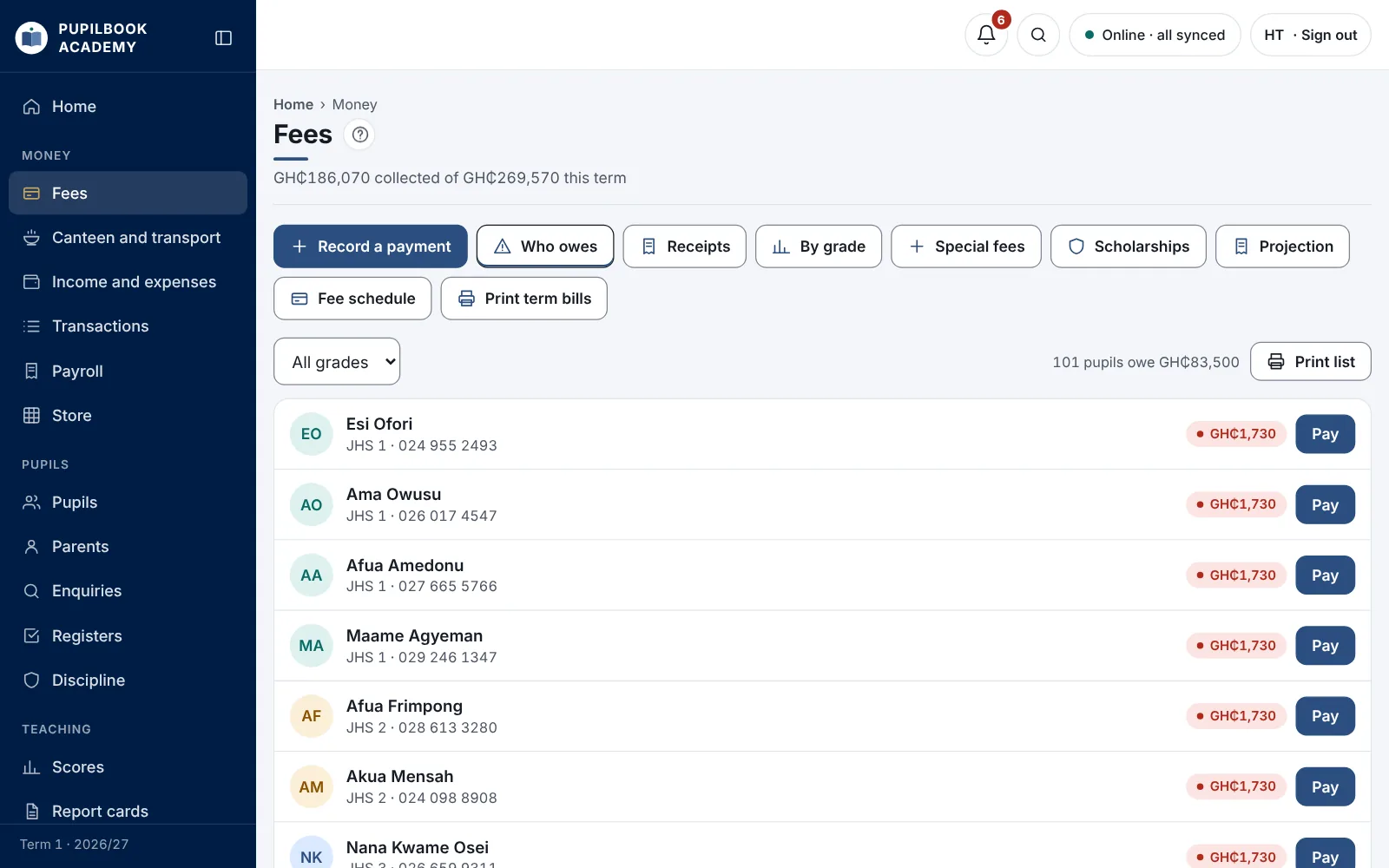
Know who owes, what came in today and where it went.
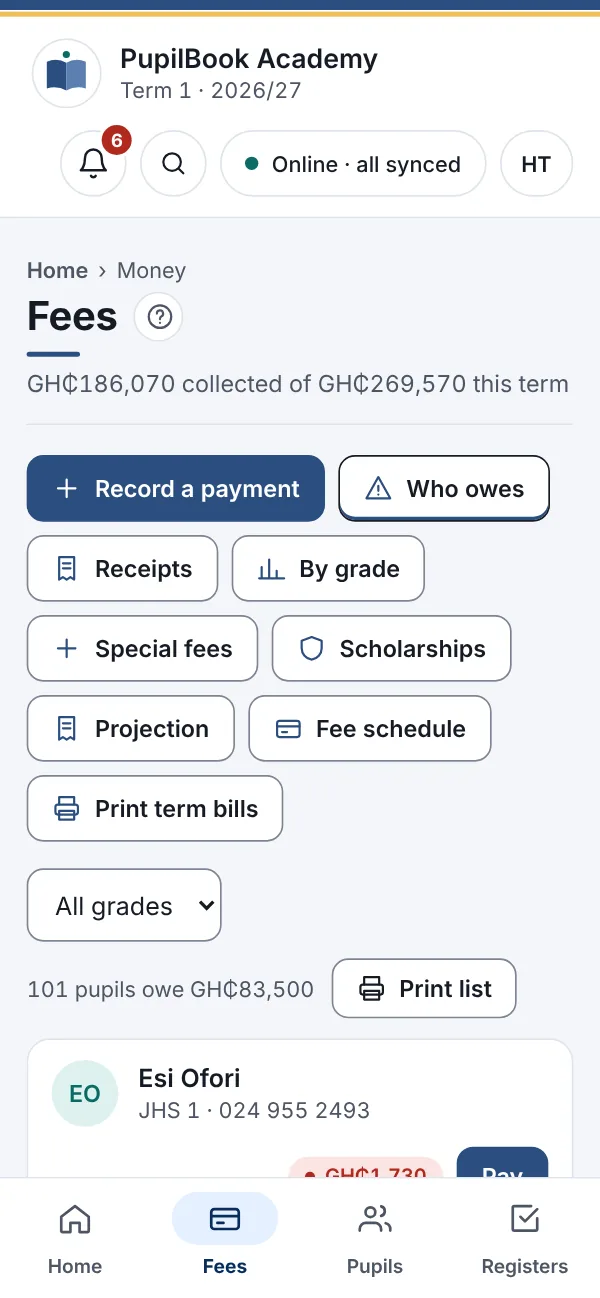
- Term bills, payments and receipts, with a debtors list you can print
- Special one-off fees and scholarships
- Canteen and bus as optional daily payments, never added to the term bill
- Income and expenses, and every transaction in one list
- Payroll with SSNIT and PAYE worked out, and payslips
- Store: uniforms, books and stationery, with stock levels
Pupils
Every child's record, from the first enquiry to the day they complete JHS 3.
- Admissions, with enquiries followed up until the child joins
- Parents linked to all their children here, with the family balance
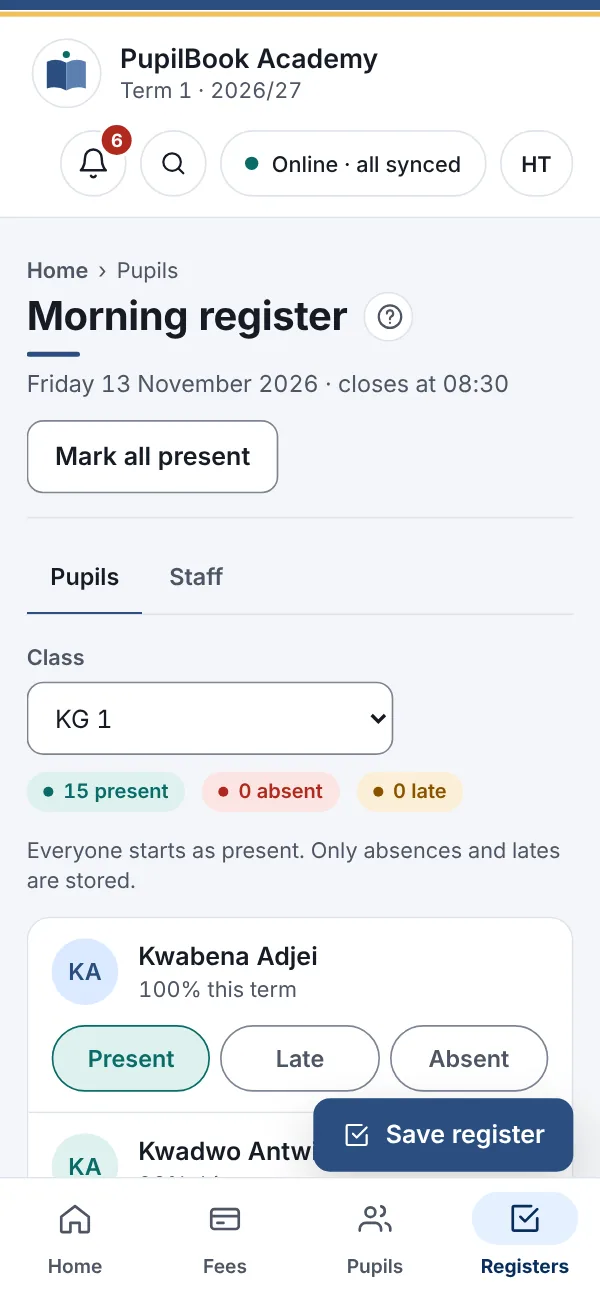
- Morning registers for pupils and staff, in a minute per class
- Discipline records, class moves and transcripts kept for every pupil
Teaching
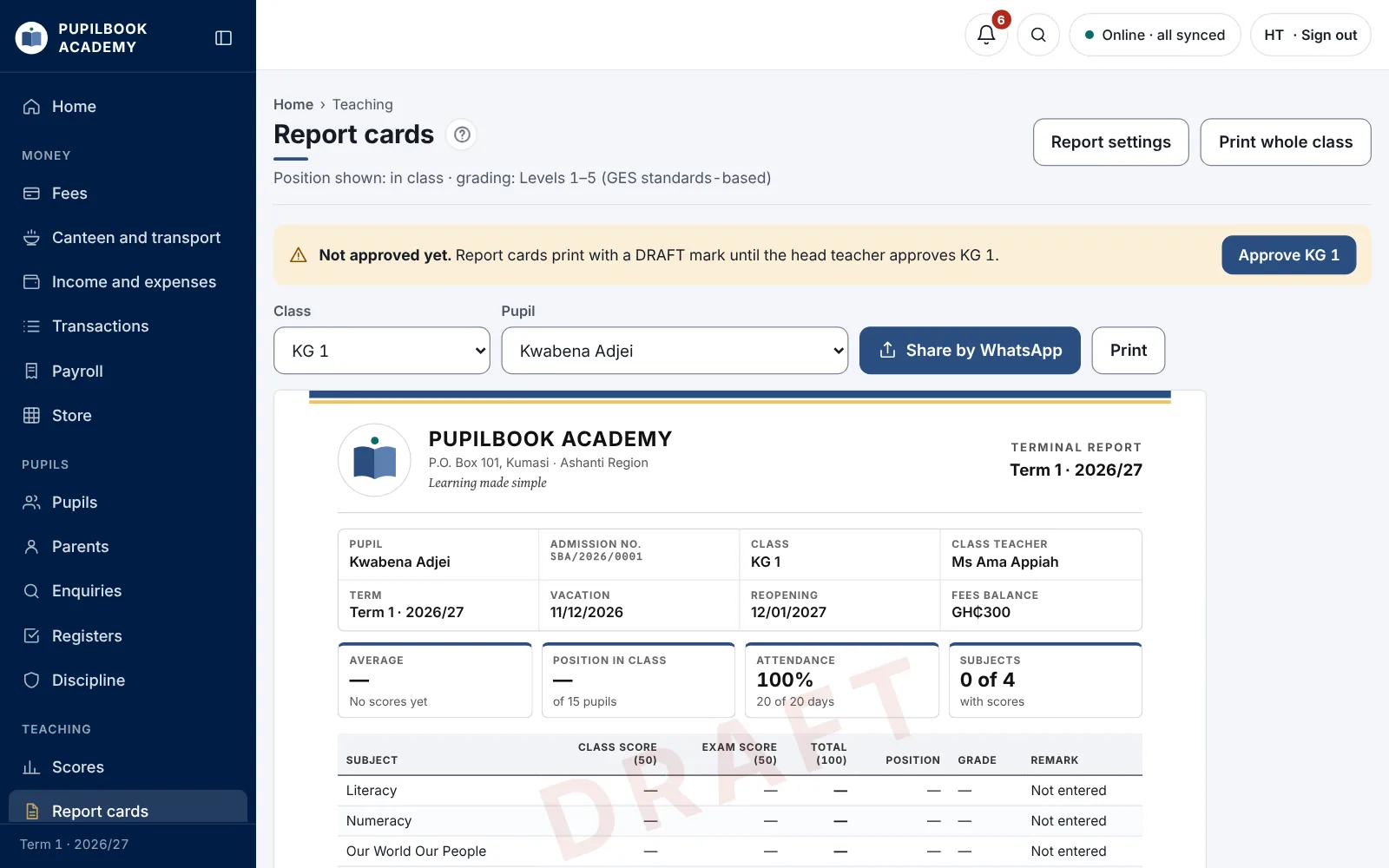
Scores go in once. Totals, grades, positions and report cards follow.
- Class and exam scores with your own split, such as 30/70
- GES standards-based grading and BECE aggregates for JHS
- Report cards with remarks, approved by the head teacher before they print
- Weekly timetables that warn you when a teacher is booked twice

The whole school
The tools that keep everything else running.
- Staff and HR: everyone who works here, teaching or not
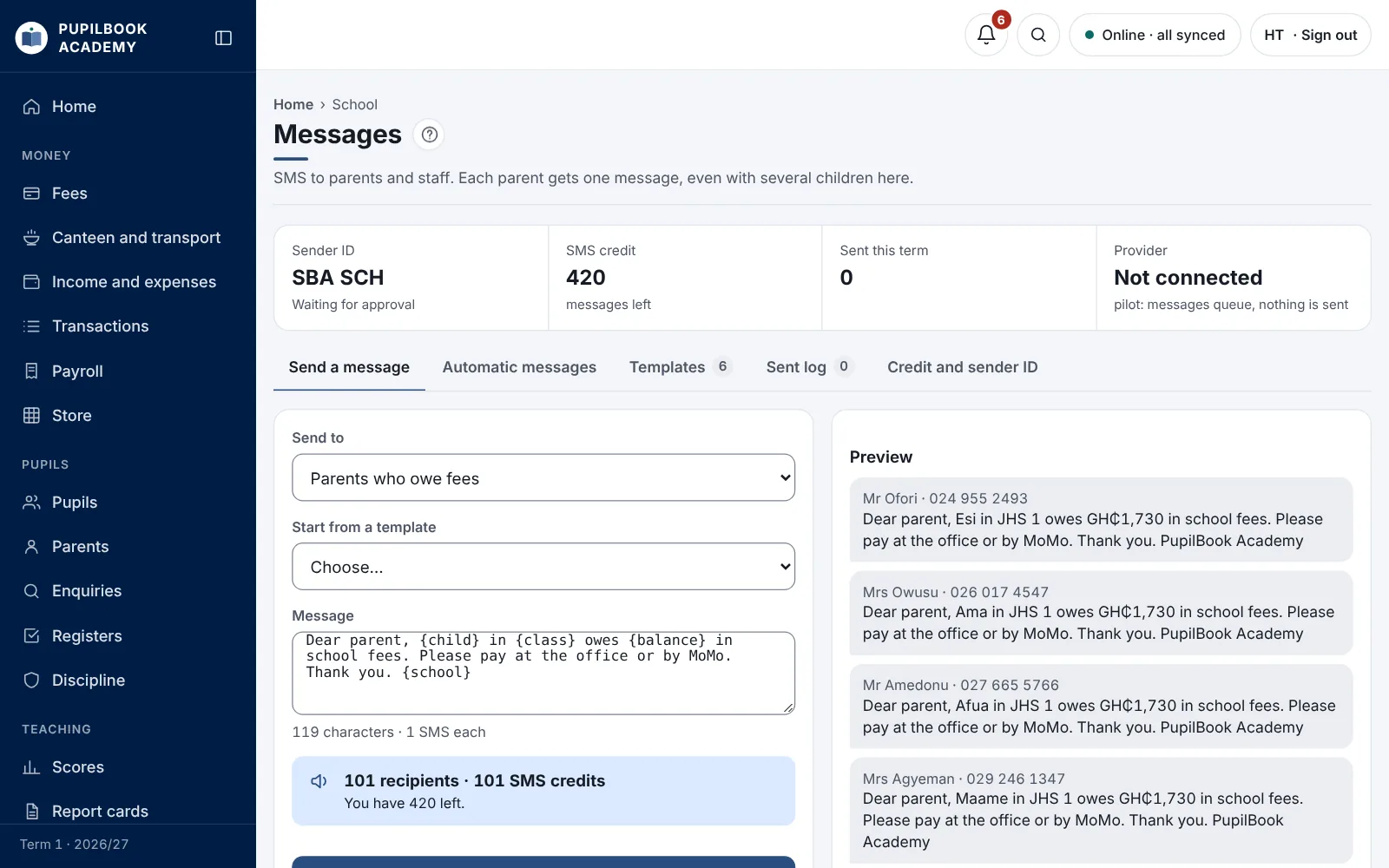
- Texts to parents, with receipts and absence alerts sent automatically
- Bulk upload from Excel for pupils, staff, fees and balances
- Help on every page and a user guide for every role
A different screen for every job
Everyone signs in with their own account and sees only the pages their job needs.
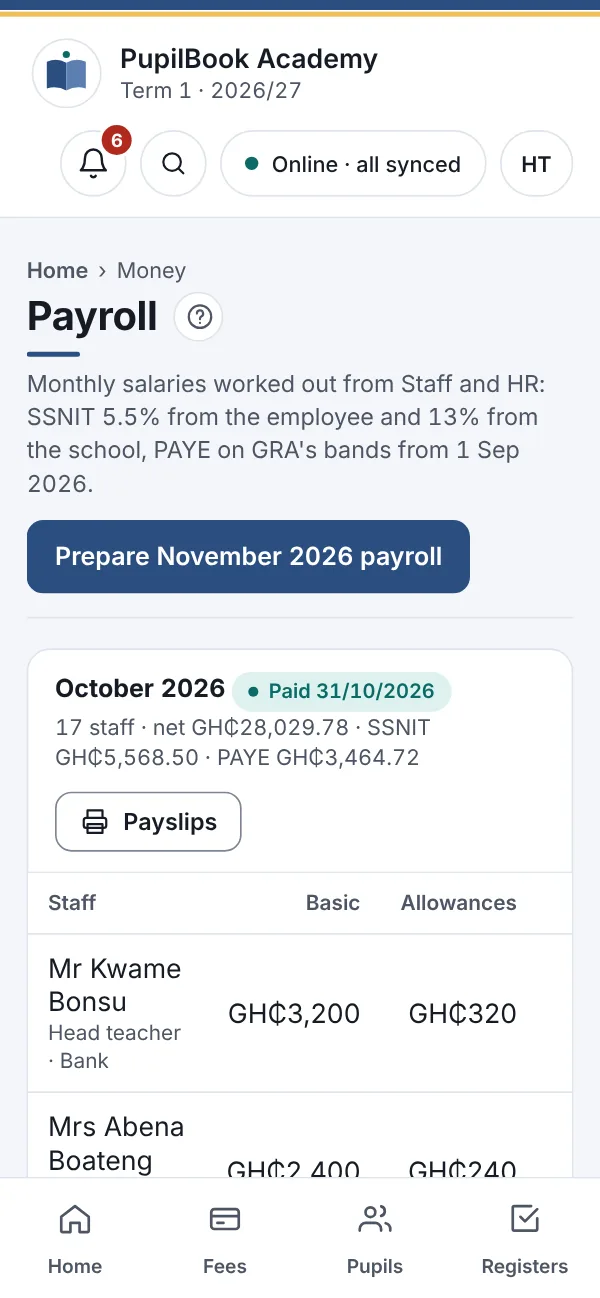
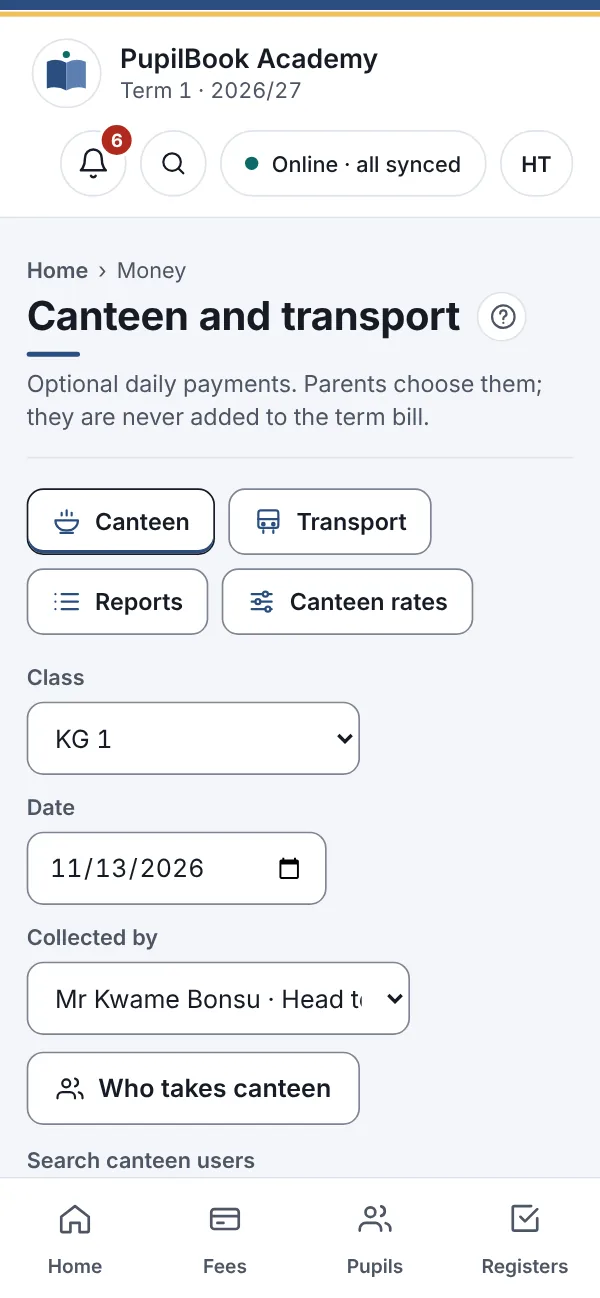
The whole school, on one page
Today's money, registers not yet taken and anything waiting for approval.
- Approve report cards before they print
- See who owes fees, by class or by family
- Check every text sent to parents
Made for how Ghanaian schools work
Not a foreign system with the currency changed. These are built in from the start.
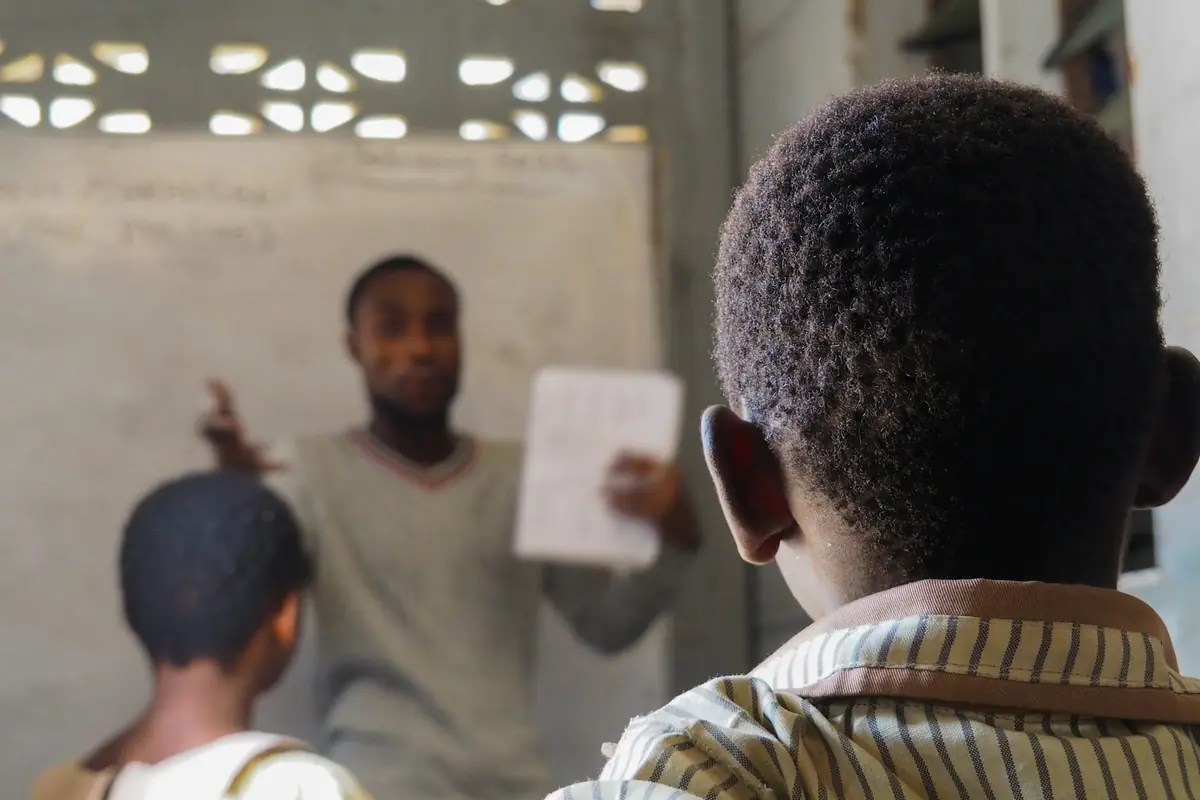
Creche to JHS 3
Creche, Nursery, KG, Basic and JHS, with streams such as Basic 4A and 4B.
GES grading and BECE
Standards-based levels for lower classes and BECE aggregates and ranking for JHS.
Cash, MoMo and bank
Record how each payment came in. Every payment gets a receipt.
SSNIT and PAYE
5.5% and 13% SSNIT and GRA's PAYE bands, worked out in payroll.
Canteen and bus
Daily payments that parents choose, kept apart from fees, as schools here run them.
Texts from your school's name
Parents see your school as the sender, not a random number.
From the fees book to PupilBook
The same six pupils, as most school offices keep them today and as they look in PupilBook. Drag the gold handle to compare.
Fees: Basic 4A
Term 1, updated as each payment is saved| Pupil | Term bill | Paid | Status |
|---|---|---|---|
| Kwame Asante | GH₵600 | GH₵600 | Paid |
| Ama Opoku | GH₵600 | GH₵450 | Owes GH₵150 |
| Kwadwo Tetteh | GH₵600 | GH₵600 | Paid |
| Efua Boateng | GH₵600 | GH₵300 | Owes GH₵300 |
| Ekow Owusu | GH₵600 | GH₵0 | Owes GH₵600 |
| Yaa Tetteh | GH₵600 | GH₵600 | Paid |
3 pupils owe GH₵1,050.
Moving over is the easy part
Coming from another system, Excel or exercise books, we bring your records across and set the school up with you.
Send us your lists
Pupils, staff, fees and balances, in our Excel templates or as you keep them now.
We set up your school
Classes, fees, grading and report cards in your school's layout and colours.
We train your staff
The head teacher and bursar first, then one class for two weeks.
Go live at the start of term
So every balance starts clean and nothing is entered twice.
Tablets
On a tablet, too
PupilBook looks and works the same on a phone, a laptop or a tablet. A tablet on the bursar's desk keeps fees and receipts in view all day; one in a classroom or at the gate takes the register in seconds.
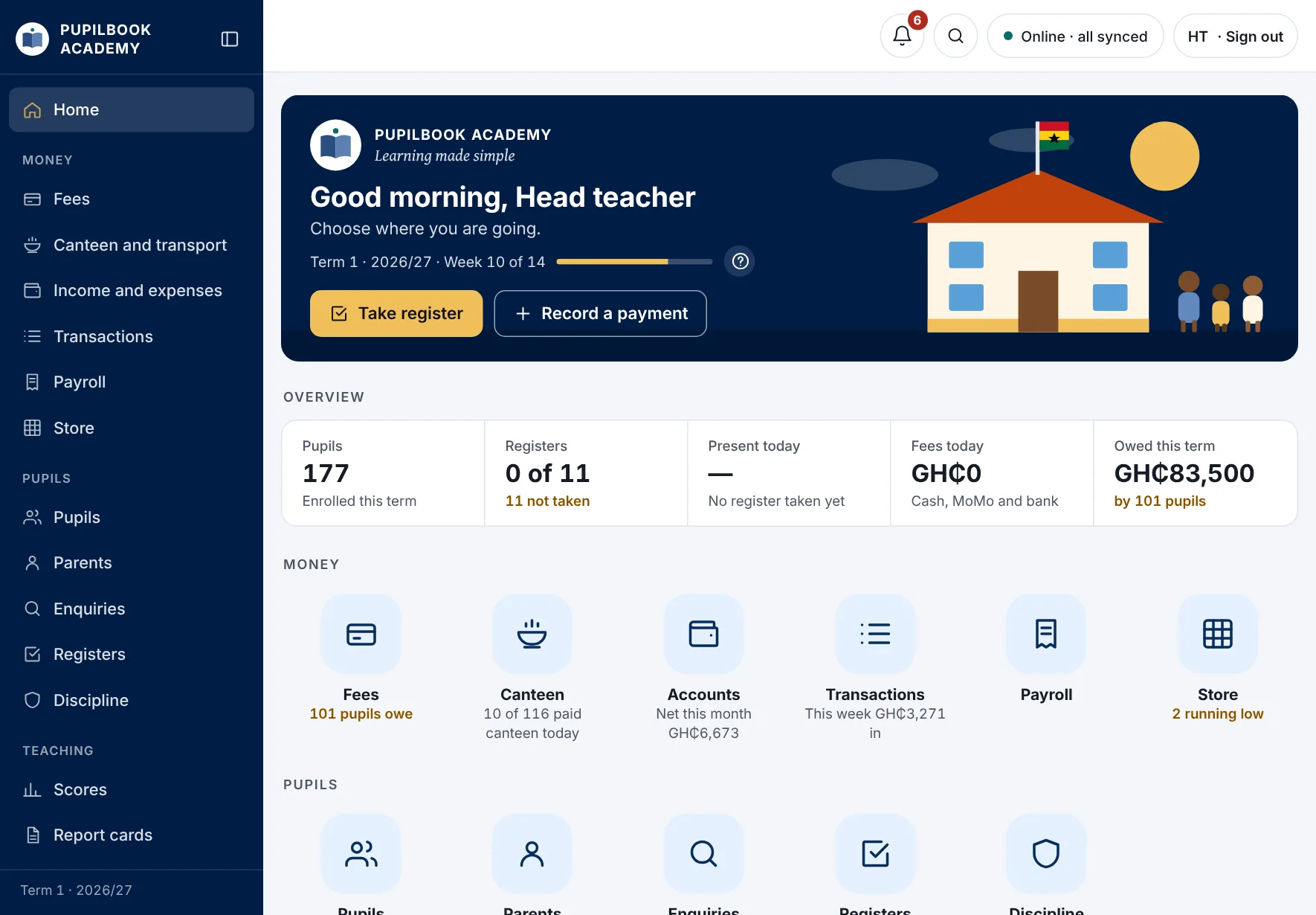
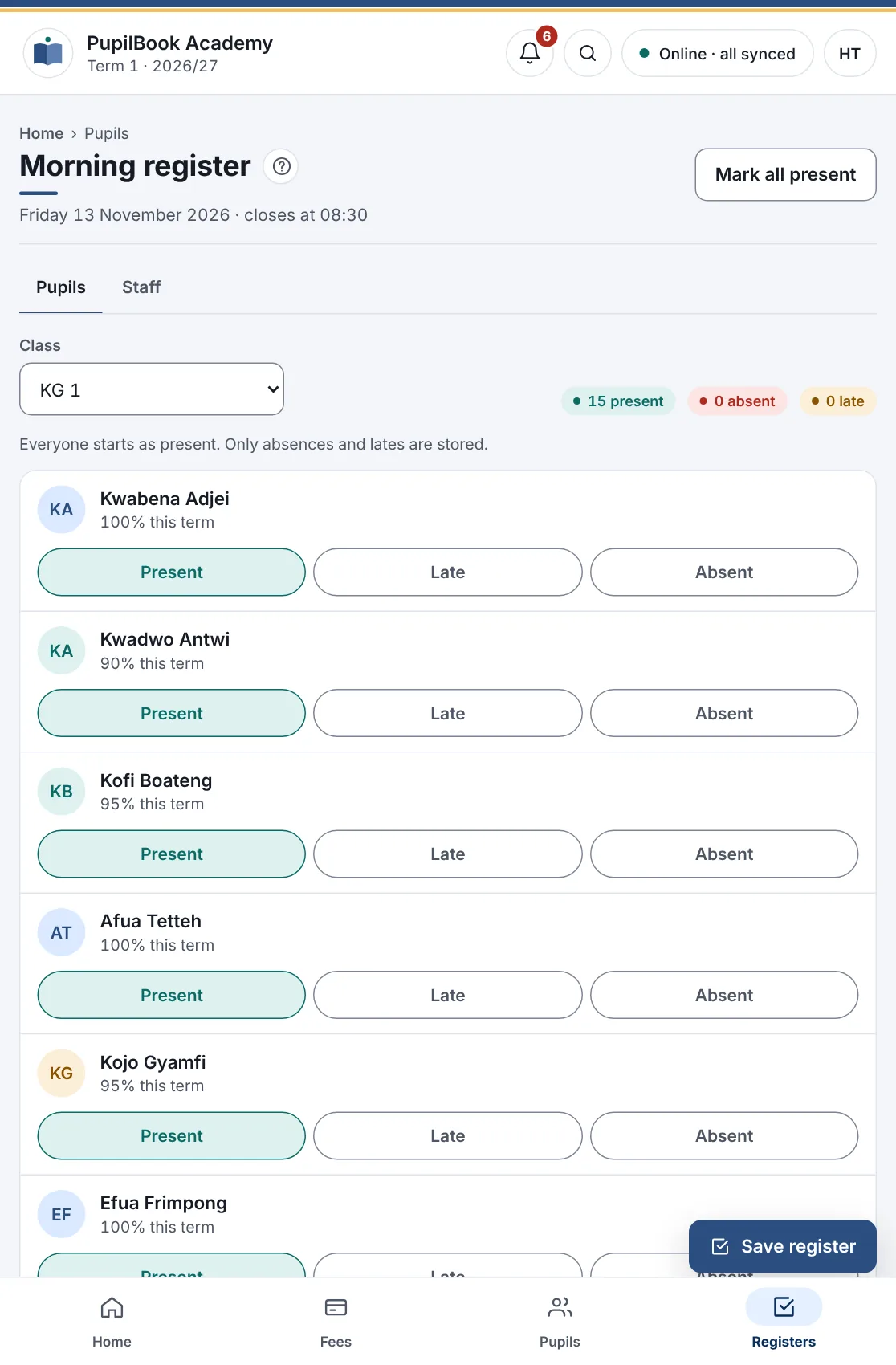
- Nothing to install. It runs in the web browser, and keeps working when the internet drops.
- Any recent tablet will do. An iPad, an iPad mini, or a budget Android tablet of 8 to 11 inches.
- A tablet package is coming. Tablets set up for you and locked to your school, with a quick sign-in for staff who share one.
Your school
Make it your own
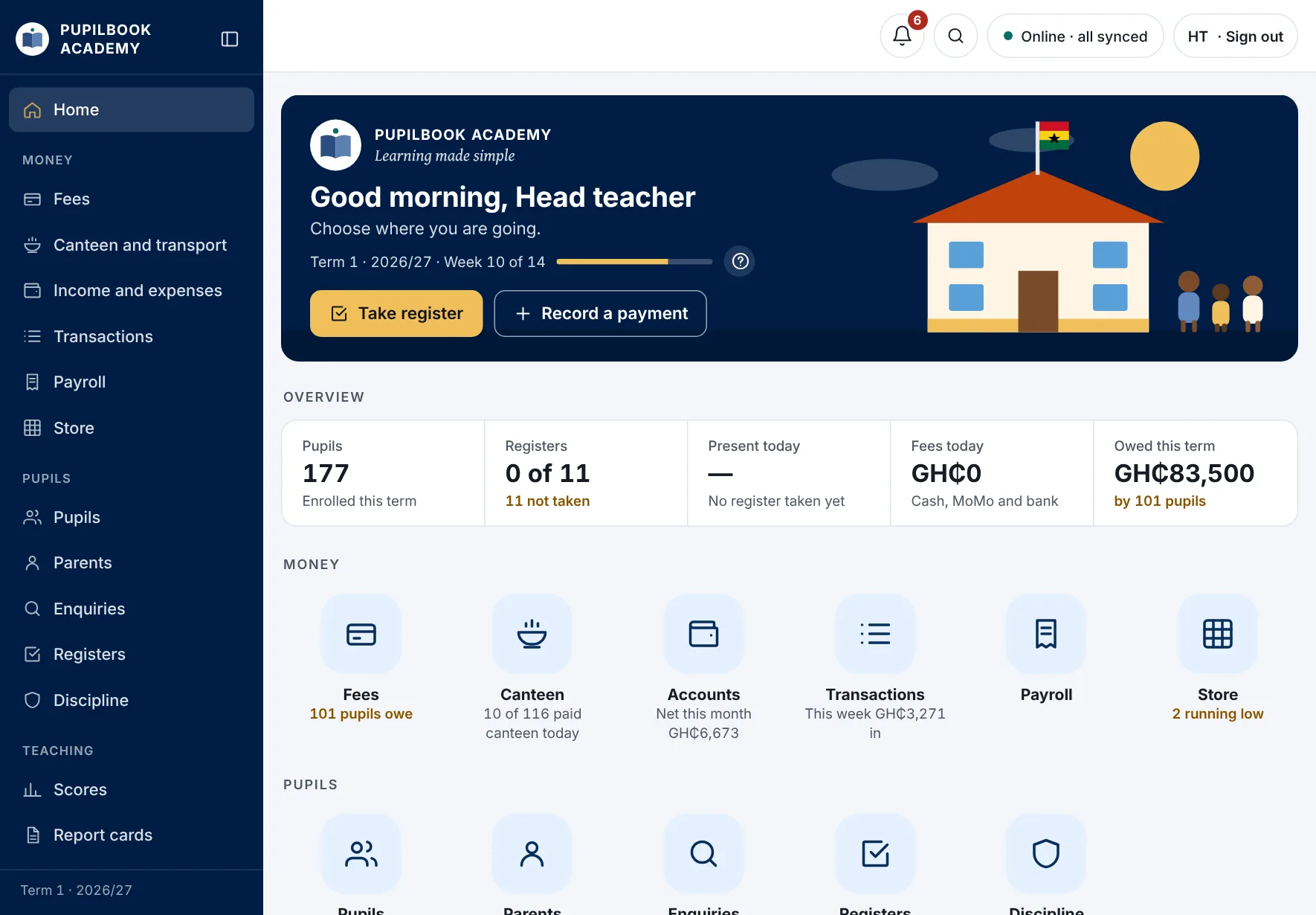
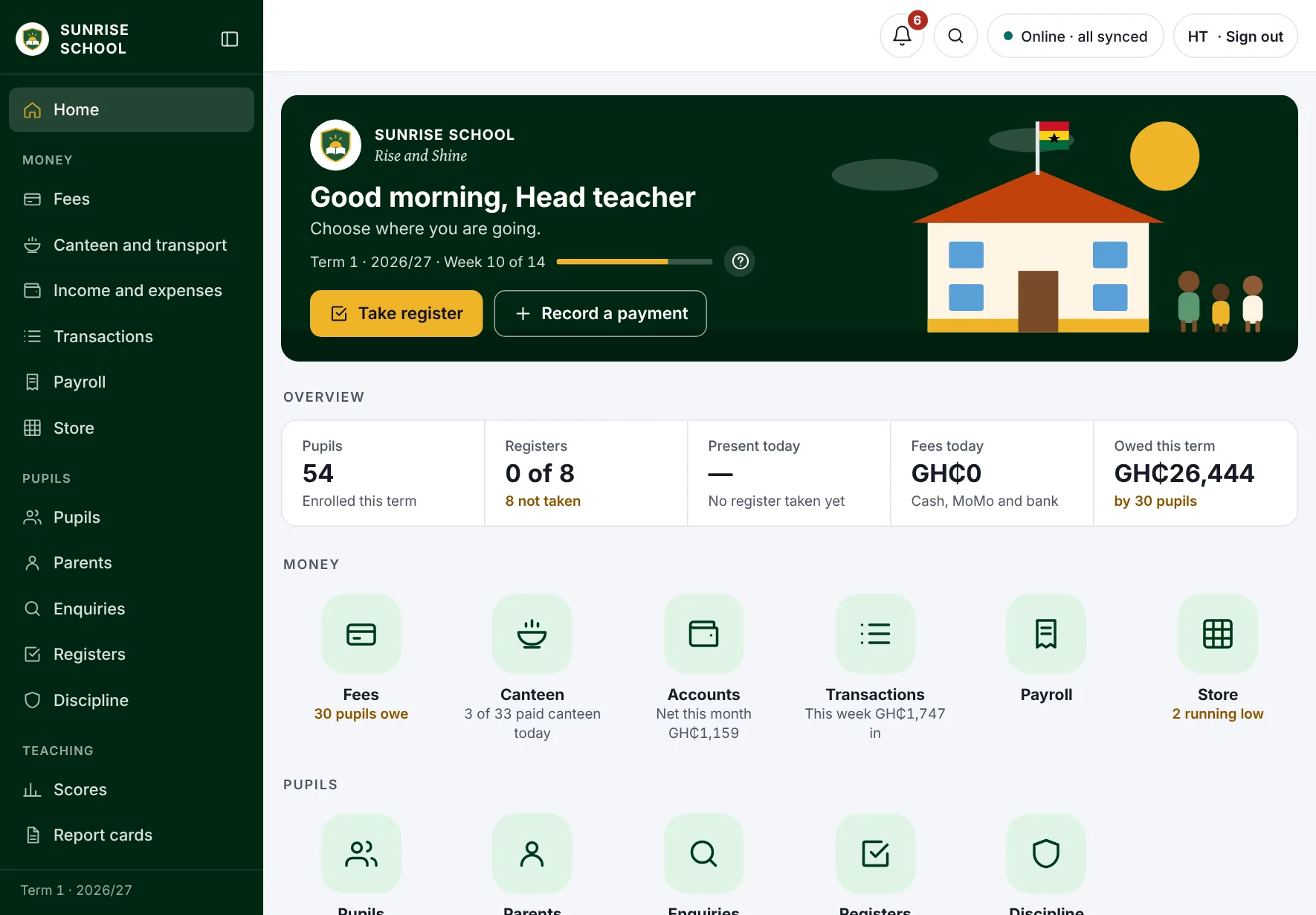
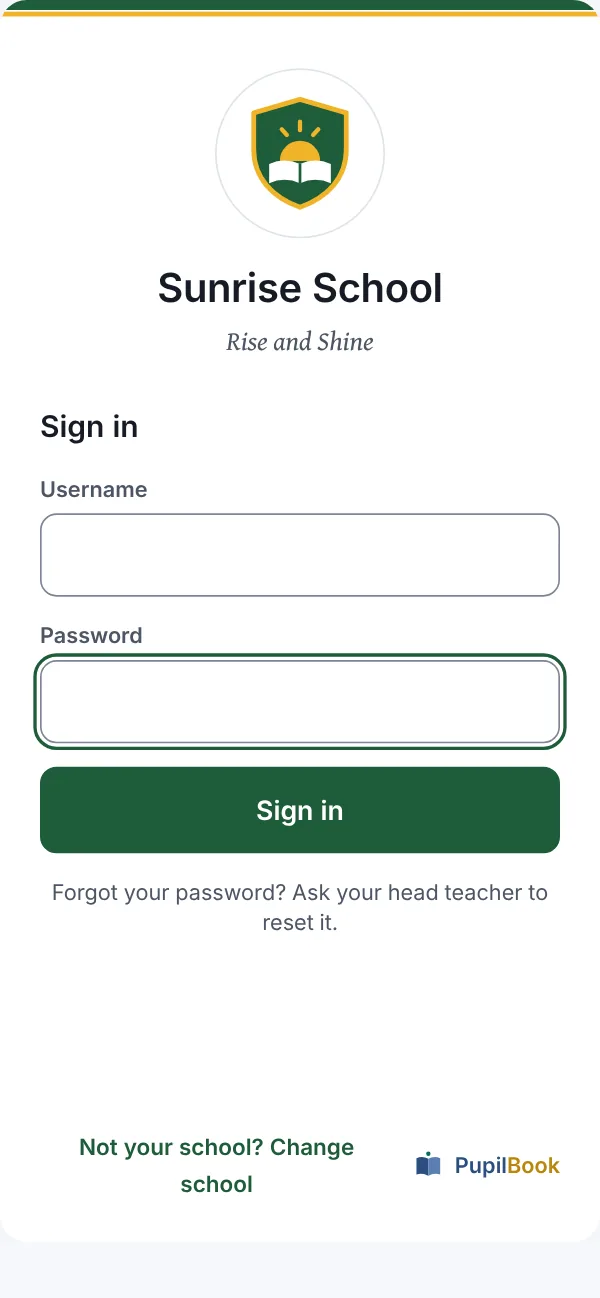
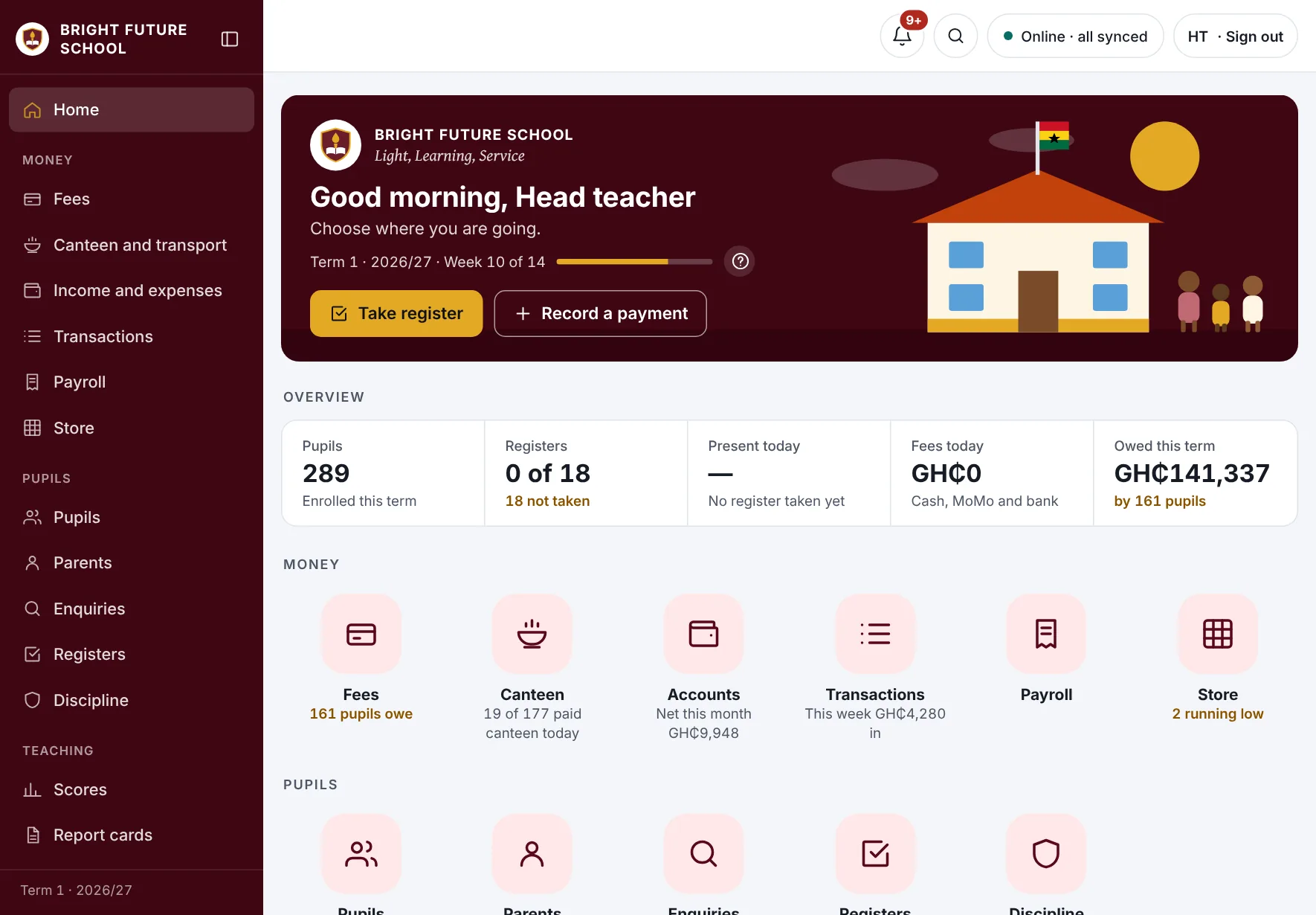
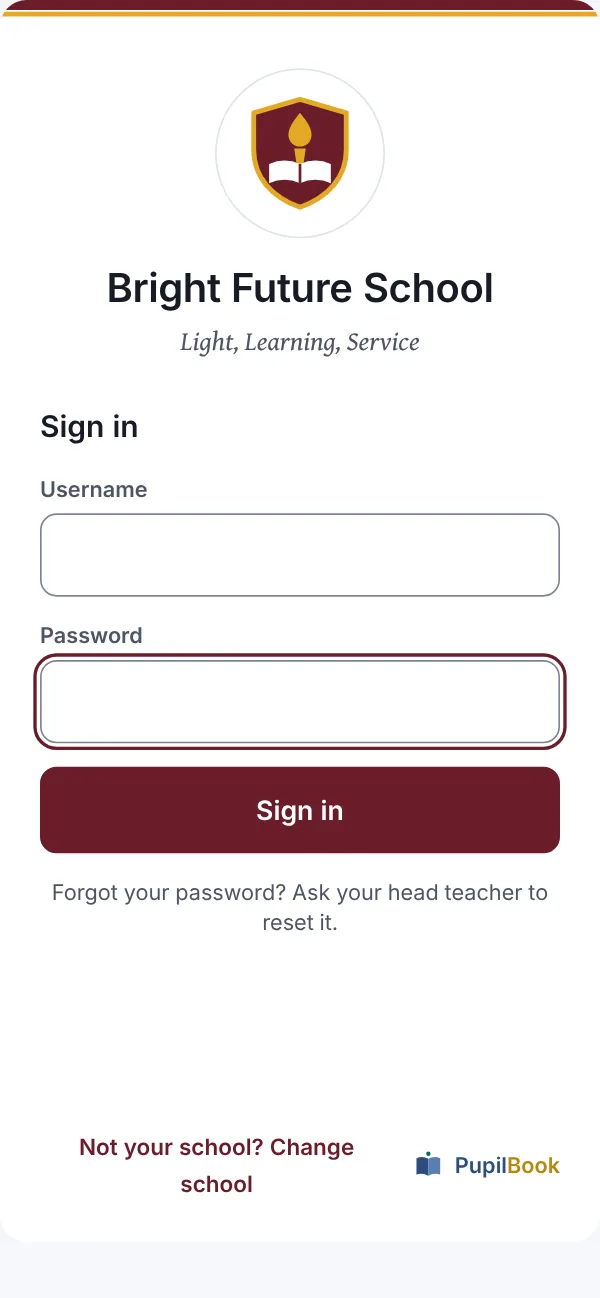
Every school gets the same complete system, set up the way it already works and dressed in its own crest, motto and colours. Here is our sample school in PupilBook's own colours, and two more set up in green and in wine.
What we set up for your school
- Crest, name and motto on every screen, receipt and report card. No crest yet? Pick a ready-made one.
- Your colours, or one of six ready-made themes. We check every colour stays easy to read.
- Your own sign-in page and a private school code, so staff only ever see your school.
- Classes and streams named your way: Basic, Class or Primary; 4A, 4B and so on.
- Fees, canteen and bus rates, scholarships and term bills.
- Scores and report cards: your class and exam split, grading key, positions or BECE aggregates, remarks and the head teacher's signature.
Need something only your school does?
Tell us. There is one PupilBook for every school, so your request goes one of three ways:
- 1Already a setting. We switch it on for you, free.
- 2Useful to other schools too. We build it into PupilBook, and your school gets it first.
- 3Truly yours alone, such as a link to another system. We build it as an add-on, switched on for your school only, for an agreed one-off fee.
One price. Every feature.
per term
- No packages to choose between: every school gets everything
- Every staff member can have a sign-in
- Texts to parents are charged at cost
- Pay each term by MoMo or bank transfer
Your school's records stay yours
Walled off
Each school's data is kept apart. No other school can ever see it.
Two-step sign-in
Heads and bursars confirm each sign-in with a code from their phone.
Backed up daily
Copies are kept every day, away from the main system.
Yours to take
Download all your pupils, staff, fees and balances to Excel at any time.
Questions schools ask
Do we need computers?
No. PupilBook works in the web browser on any phone, tablet or computer. Most teachers use their own phones. A printer helps for receipts and report cards, but you can also share them by WhatsApp.
Our internet is not reliable. Will it still work?
Yes. Registers, payments and scores save on the phone when the network drops and send by themselves when it comes back. The screen always shows whether everything has been sent.
Can we keep our own report card layout?
Yes. Send us a copy of your current report card and we set yours up to match, with your crest, colours, grading and comment banks.
How long does it take to start?
Setting up a school takes about a day once we have your lists. We recommend going live at the start of a term, with two weeks of training for the head teacher, bursar and one class teacher.
Can parents see their child's results?
Parents get texts for receipts, absences and reminders, and report cards can be sent to them by WhatsApp. A parent app is planned.
What if we need help?
Every page has a help button, every role has its own user guide, and you can chat with our support team from inside PupilBook or on WhatsApp.

See PupilBook with your own school in it.
Book a free 30-minute demo. We'll show you your fees, registers and report cards in PupilBook, and answer every question your head teacher and bursar have.